Wipe the drive. Then fill it with noise worth reading.
Disknot is one Linux desktop app that does three jobs: it
sanitizes NVMe drives the way the controller meant it, shows you every
disk and what it can survive, and fills storage with realistic
synthetic files you can verify down to the byte.
LINUX X86_64 · APPIMAGE · MIT · NO INSTALLER, NO ACCOUNT
EXIT 02 / SANITIZE, mid-wipe, every pass accounted for
WHAT IT DOES
Three tools, one control room
Six numbered exits, one keyboard-driven window. The app never runs as
root for its own sake: it asks through pkexec, at the moment a device
operation starts, and only for that operation.
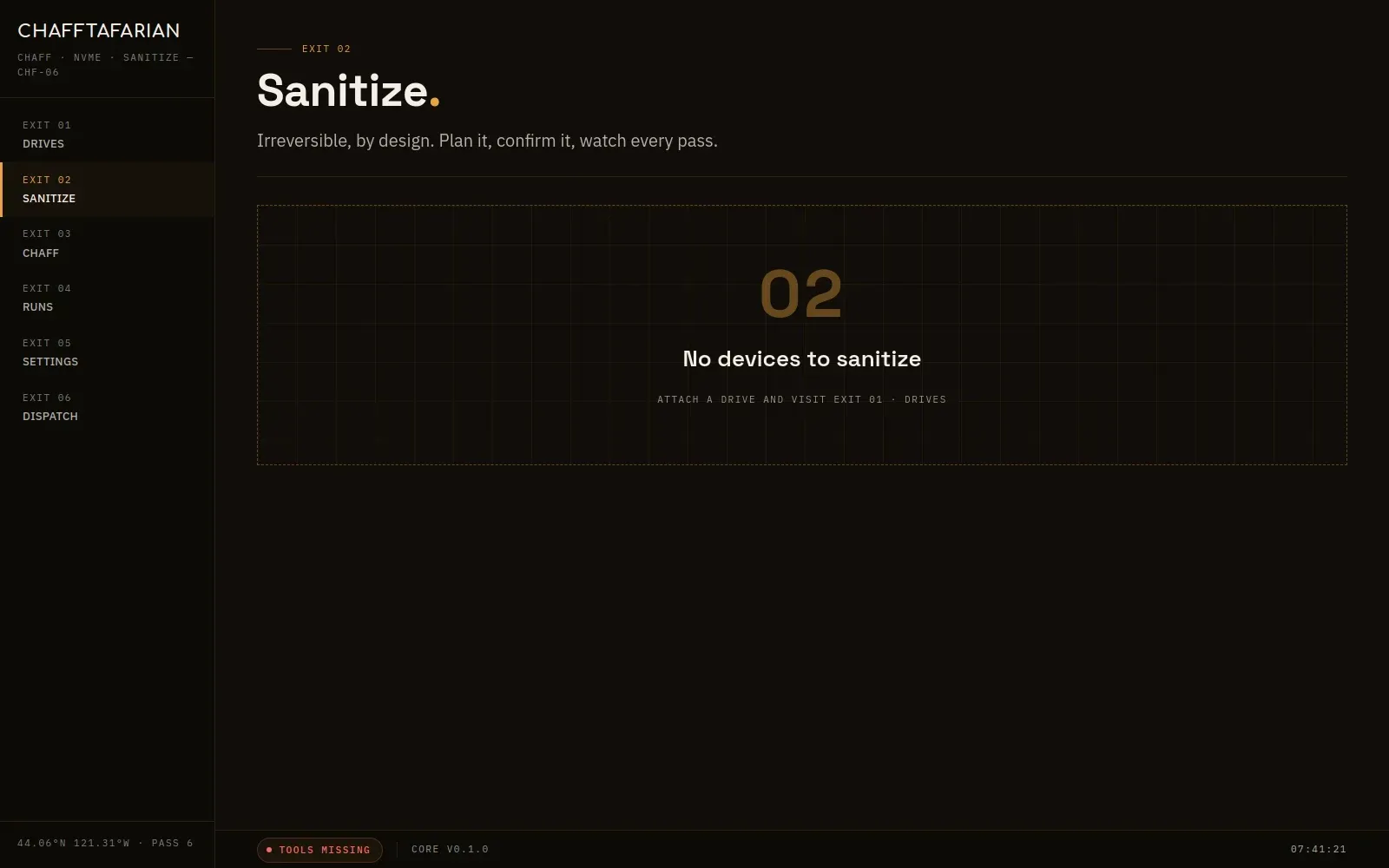
EXIT 02 · SANITIZE
Paranoid by default
Two controller-level NVMe Sanitize operations bracketing zero, 0xFF,
and zero overwrite passes. Live per-pass progress. Cancel that
actually stops, even mid-sanitize. Optional sampled read-back
verification. Arming it means typing DESTROY and the drive's own
kernel name.
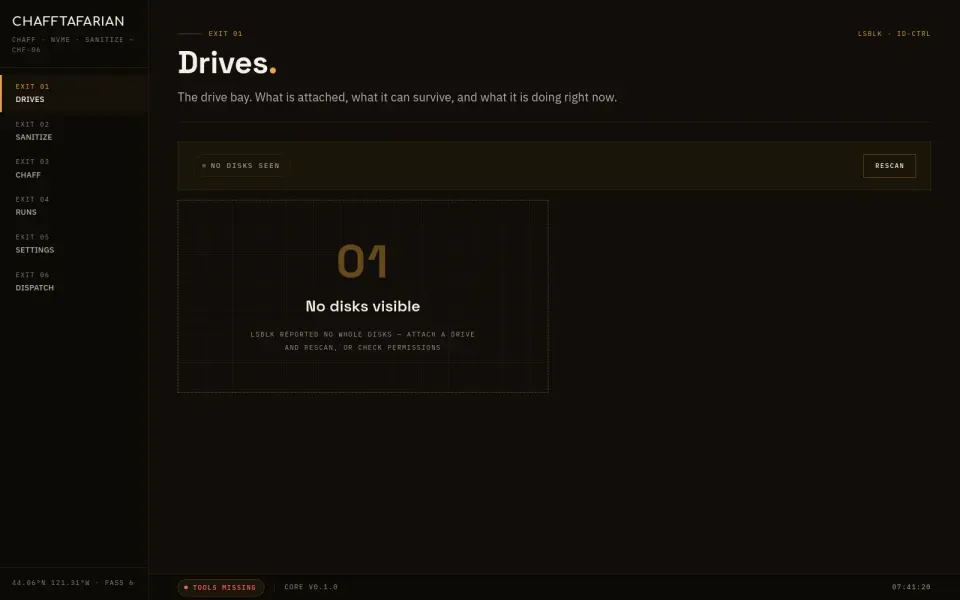
EXIT 01 · DRIVES
An honest drive bay
lsblk geometry, mounts, transport, and what the controller actually
supports, probed from identify data. The disk your OS runs on is
flagged and can never be selected for a wipe. No guessing which
drive is which.
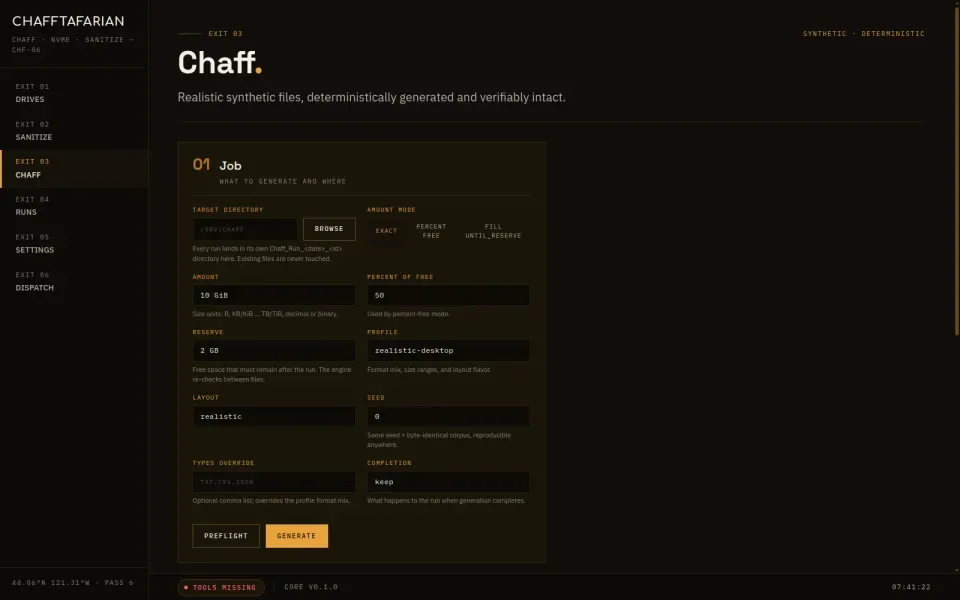
EXIT 03 · CHAFF
Files that look lived-in
Documents, mail, spreadsheets, PDFs, payload blobs. One seed builds
a whole coherent world, so the corpus hangs together. Same seed,
same bytes, on any machine. Every run is its own directory with a
manifest you can verify file by file.
SAFETY
Built like the destructive tool it is
A wipe is irreversible. The app treats that as a design constraint, not
a footnote.
The OS disk is untouchable
The disk hosting your running system is refused everywhere, with no override anywhere in the app. Active swap is refused too.
Two-factor farewell
Arming a wipe takes the word DESTROY and the drive's exact kernel name, both matching, after the pass table and mount list are on screen. A mis-click cannot satisfy it.
Root, but only for a moment
The interface runs unprivileged. A separate worker process asks for your password through pkexec, does the device work, and re-validates everything itself. It never takes the interface's word.
Re-checked before every pass
Mounts that appear mid-wipe stop the wipe. Unmounting is explicit and logged, never silent.
Chaff is not sanitization
Filling free space pushes old data out of reach of simple undelete tools, nothing more. The app says so wherever the two could be confused, and points you at the sanitize view instead.
Flash storage remaps blocks behind your back, so overwrites alone cannot
reach everything. That is exactly why the controller Sanitize command
exists, and why the default plan brackets the overwrite passes with two
of them.
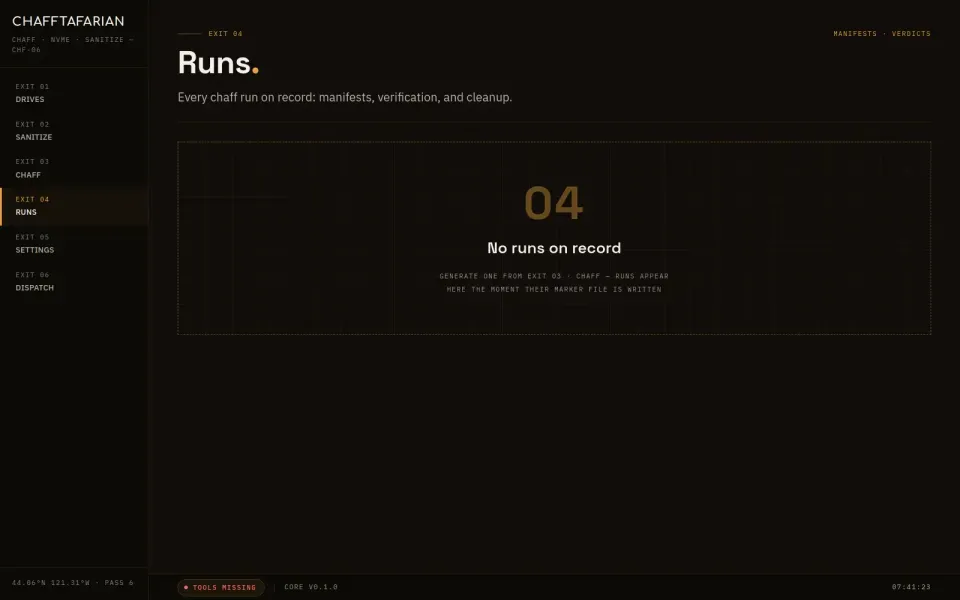
THE SIX EXITS
Every exit, once around the block
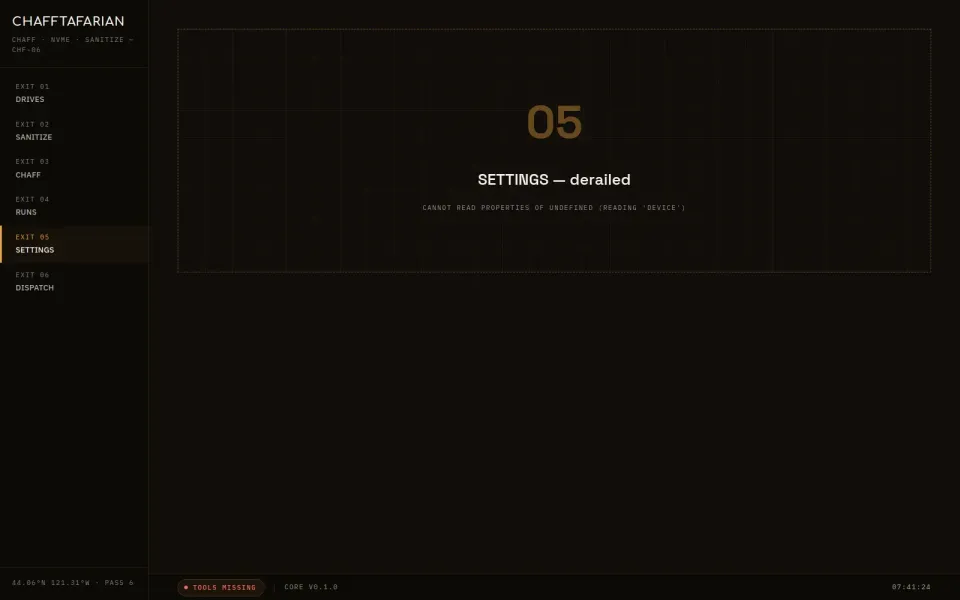
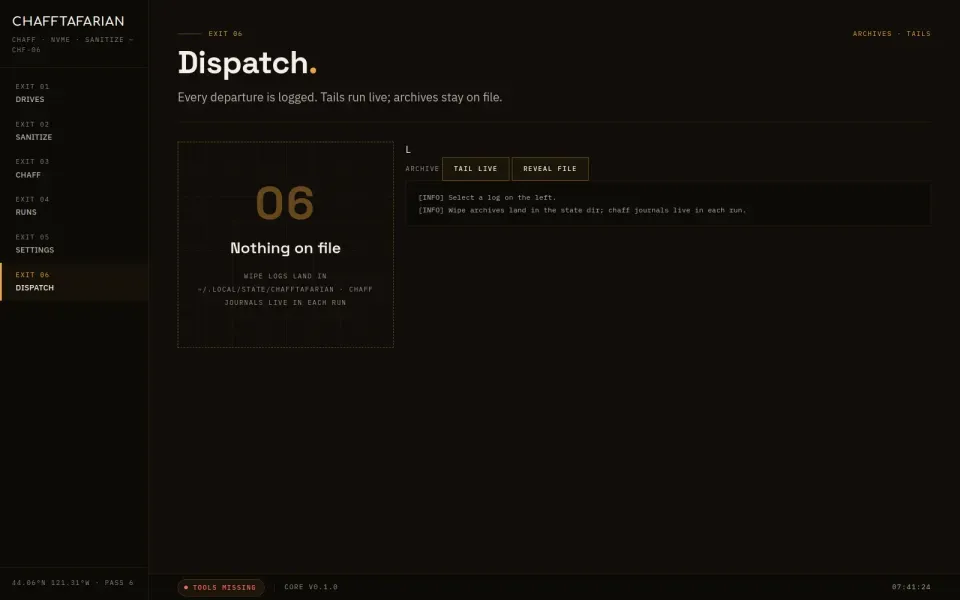
Real screenshots of the app, taken offscreen by the app's own harness.
Nothing here is a mockup.